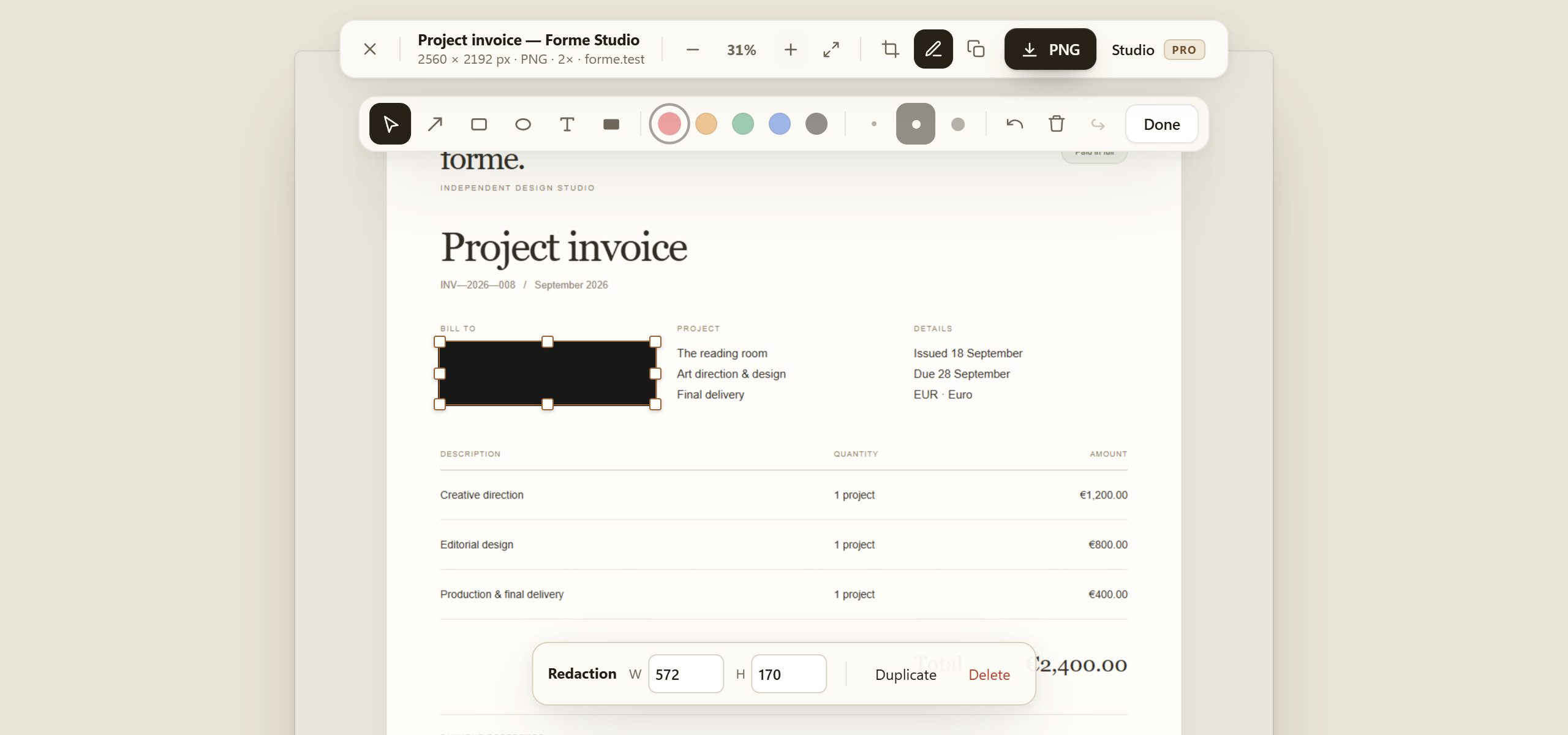
Keep private details private.
Cover sensitive areas with solid redaction before exporting.
 FullPageShot
Your browser. The bigger picture.
Capture long pages, refine your screenshot and share something worth keeping.
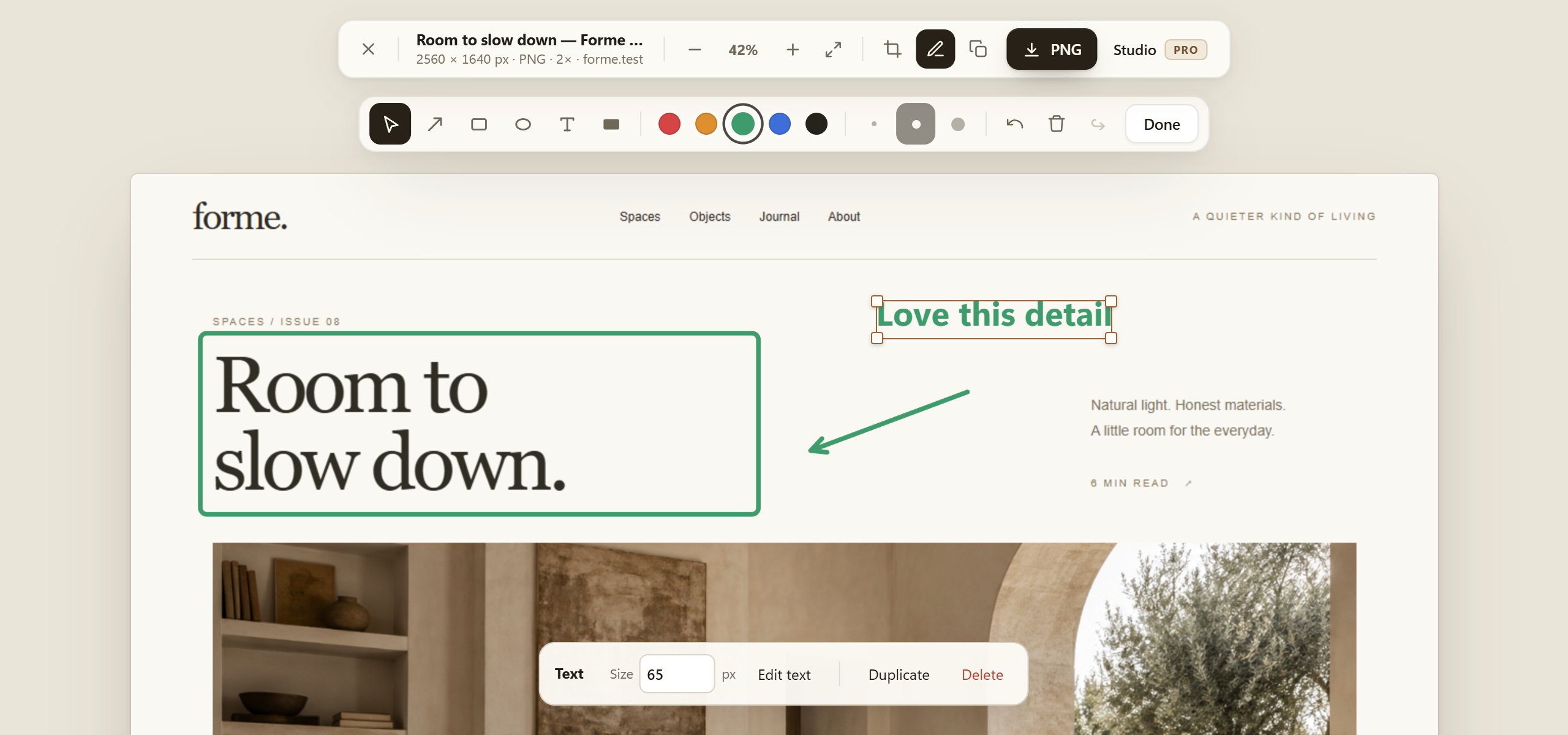
No account to get started. Capture, edit and save for free.
Your screenshots stay yours. Images and edits stay on your device.
Made for the details
Capture the full page, the visible area or a chosen region. Adaptive waiting gives images and late-loading content time to appear.
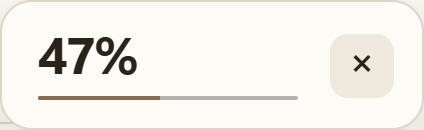
Clear progress. Cancel whenever you need.
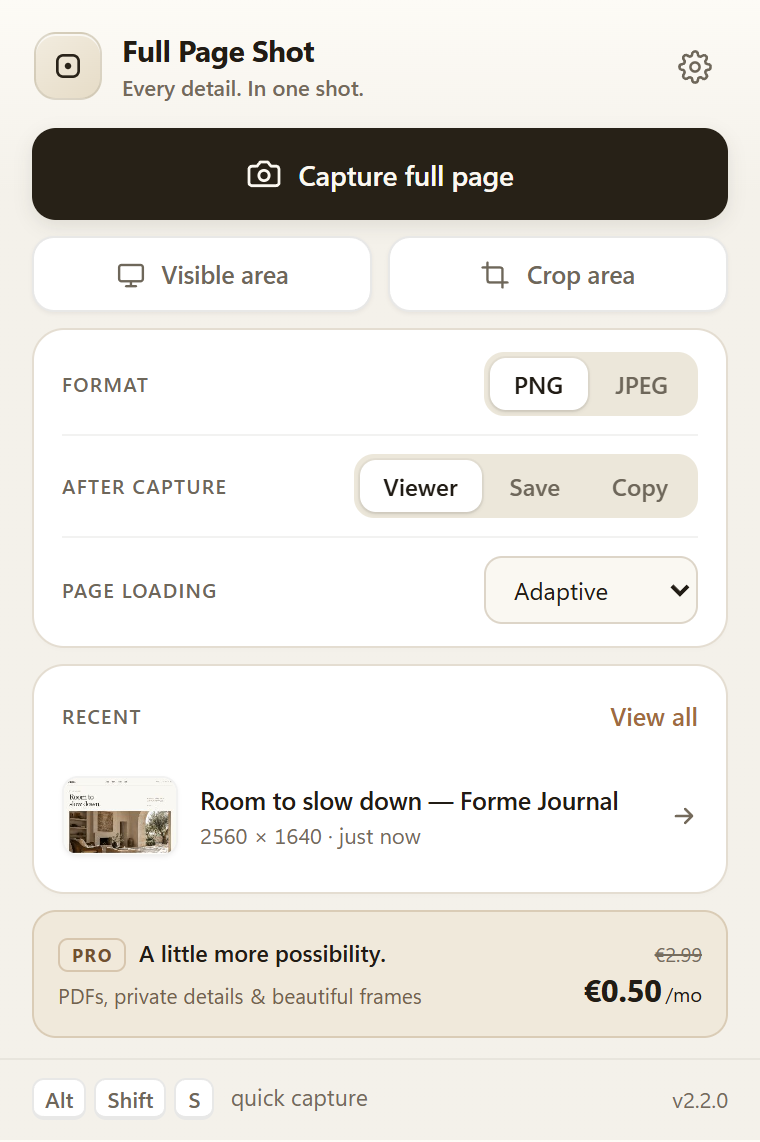
Add text, arrows and shapes. Move, resize and adjust them after drawing. Undo and redo keep experimentation easy.
A thoughtful upgrade
Three useful extras. One small subscription.
Cover sensitive areas with solid redaction before exporting.
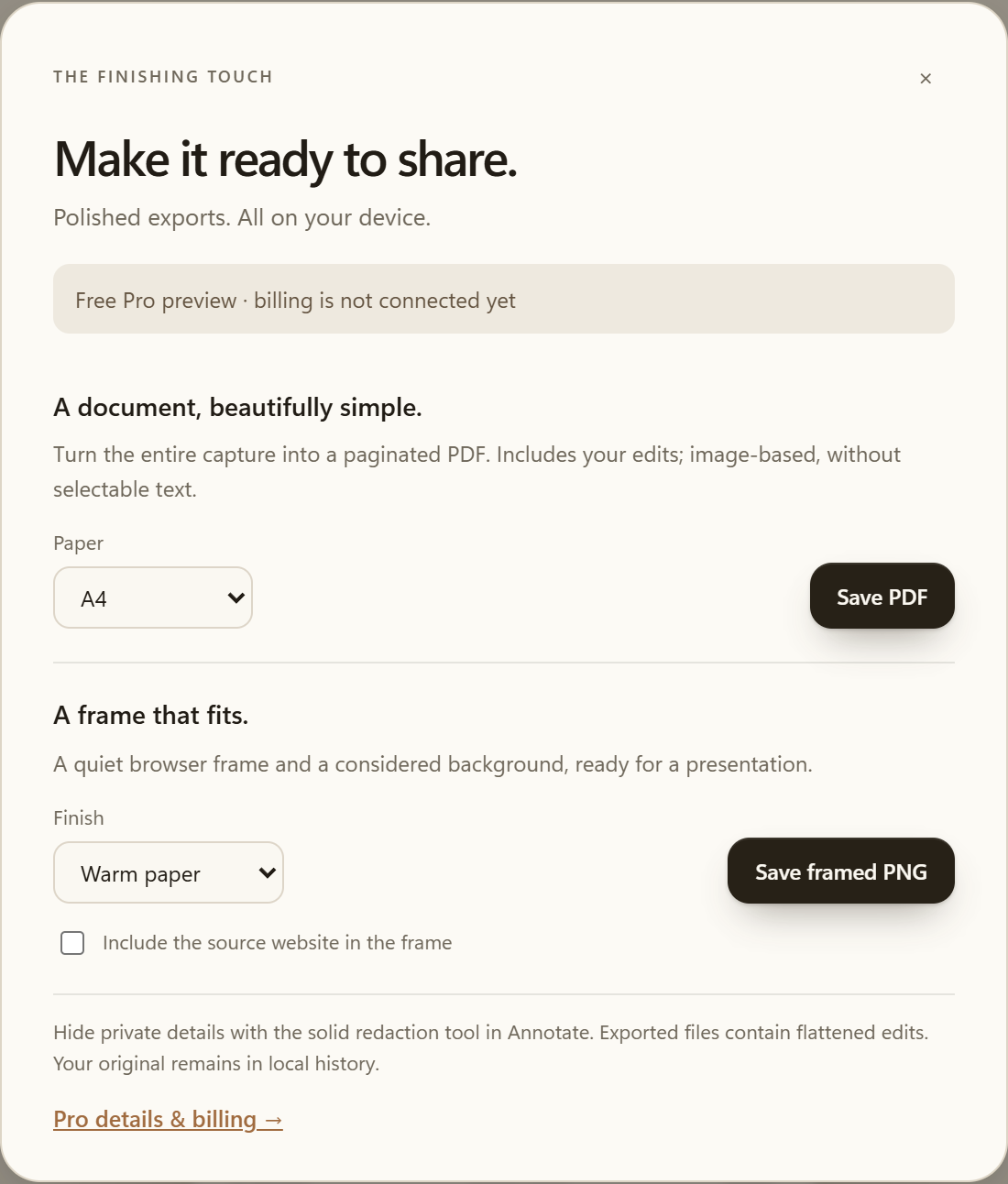
Save a multi-page PDF or add a clean presentation frame.
Step by step
Choose the right scope, explain the detail and keep the file you need. The guides cover the complete process.
Choose a capture mode, keep the page active, review the result and save a screenshot locally without an account.
Read the guide Edit and keep your workAdd, select, move and resize arrows, text, rectangles and ellipses with undo and redo in the FullPageShot editor.
Read the guide Capture the right viewRecognise browser restrictions, maximum page sizes, scaling warnings and interruptions before sharing a FullPageShot capture.
Read the guideSimple by design
Full-page, visible-area and region captures, basic editing, PNG/JPEG exports and local history are free. No account required.
Sign in only when you choose Pro.
€2.49 off every month. Renews monthly.
Cancel before the next renewal.
Google or email sign-in. Secure payment with Stripe.
Pro checkout is currently disabled.
No. Capture pages, add text and shapes, save PNG/JPEG files and use local history without signing in. An account is only needed to buy, restore or manage Pro.
No. Capture, editing and exports happen in your browser. The account service only receives the information needed for sign-in, subscriptions and linked browsers.
Adaptive capture waits for visible images and page changes. Patient mode gives complex pages more time. Very long pages, protected video and content inside separate scroll areas can still have browser limits.
The regular monthly price is €2.99. A recurring €2.49 discount brings every monthly payment to €0.50 while your discounted subscription remains active. It renews monthly until cancelled.
Open your account and choose Manage subscription. You can cancel before renewal and keep access through the paid period. You can also use the cancellation form linked below without signing in.
The Chrome Web Store listing is being prepared. This page will link directly to the verified listing when the extension is released.